Free browser helicopter trainer
Your squad needs
a pilot.
Be ready.
Practise hovering, braking and landing before your next Wardogs session. Short drills. Clear coaching. Another go whenever you need it.
Start your first lessonNo download. No account needed to practise.
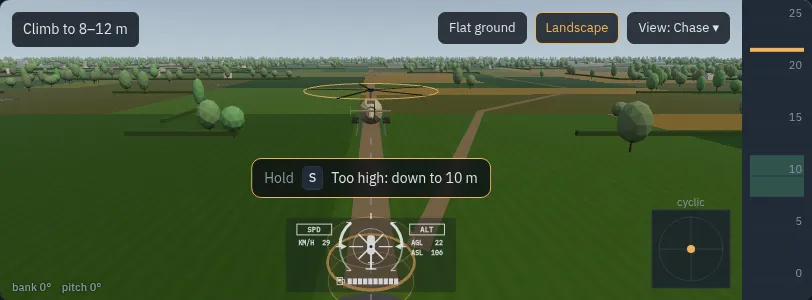
Fly with your setup
- Keyboard & mouse
- Controller
- Stick / HOTAS
A clear place to start
One skill at a time.
Start on the pad, then work toward a controlled approach and a safe troop drop. Eleven drills cover the basics and more demanding manoeuvres.
- 01Fly →
Hold a hover
Learn small corrections without chasing the aircraft.
- 02Fly →
Move with control
Taxi and fly forward while managing height and heading.
- 03Fly →
Slow down and land
Practise flare stops and deliberate touchdowns.
- 04Fly →
Put your squad on the ground
Bring the approach, stop and landing together in a troop drop.
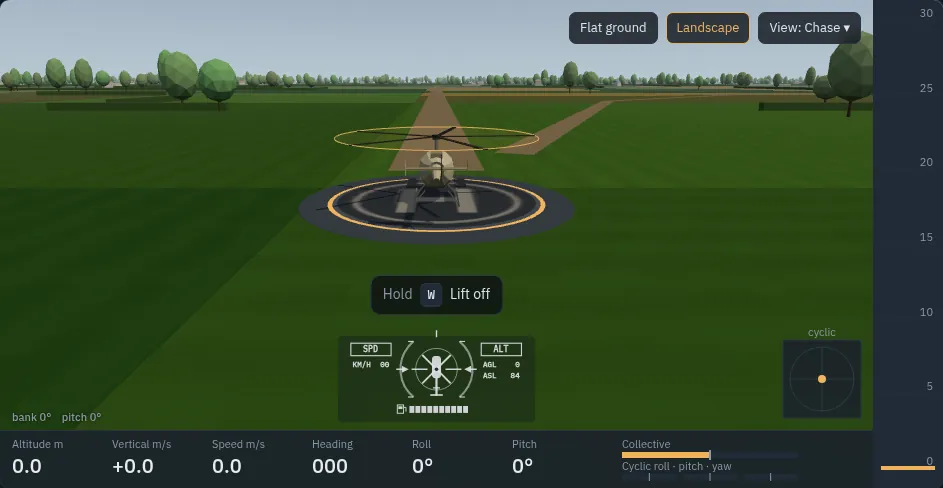
Fly. Review. Try again.
Understand your
last flight.
Finish a drill and review what happened. Coaching points out mistakes; the debrief charts your flight against your previous attempt. Scrub the replay or save a video to review later.
Explore all eleven drills →Already comfortable?
Keep flying.
Try terrain flight, J-hooks and weapons practice. Race recorded runs, explore in free flight, or join friends for a dogfight.
Before you lift off
- Is it free?
- Yes. You can practise without signing in. Steam or Discord sign-in lets you save and race qualifying personal bests.
- Does it fly exactly like Wardogs?
- It practises the game's control habits with handling tuned per aircraft. The model is still being refined; it is an approximation, not the game's engine.
- Can I use my controller or HOTAS?
- Controllers and sticks the browser exposes as gamepads are supported, including multi-device HOTAS setups. Keys and axes are rebindable.
- Can I fly on my phone?
- Plan to use a computer with a keyboard, controller or stick for flight practice. You can read the flying guide on a phone.
Your first flight starts here